
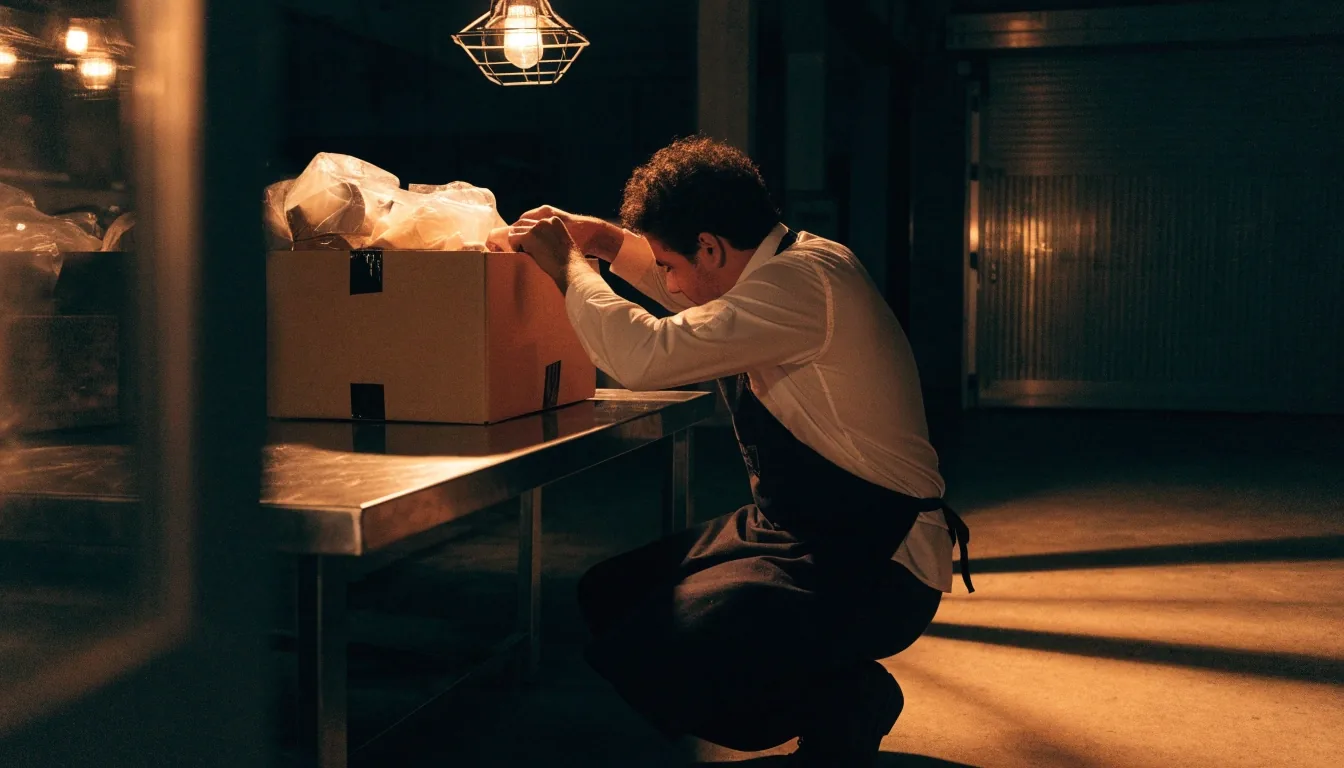
Keep item costs current across every location
Inventory and purchasing are where food cost data is either kept alive or allowed to rot. If item costs are not updated when invoices arrive, every recipe and report built on them drifts. NetNugget treats invoice capture, vendor price updates, par-level counts, and location-level inventory as one connected process, because that is how the work actually happens in a kitchen.
Every invoice that comes in carries current prices
NetNugget extracts line items from the invoice, matches them to catalog records, and updates item costs. A case price change on a Monday shows up in recipe costs and inventory values without anyone editing a spreadsheet. Vendors change prices constantly, and this is the mechanism that keeps the restaurant food cost management numbers honest rather than historical.
The same flow covers credits and short-paid lines, so a corrected invoice does not leave a stale cost sitting in the catalog for the rest of the quarter. When a price moves up or down, the recipe card and the stock value move with it on the same pass.
Distributors use their own item numbers and pack sizes
Map each vendor item to your catalog record once, then reuse the mapping on every delivery that follows.
A 40-pound case from one supplier and a 20-pound case from another resolve to the same item with the correct unit cost. That is the difference between a clean cost comparison and a permanent reconciliation chore, and it is what makes vendor invoice capture useful beyond the day the delivery lands.
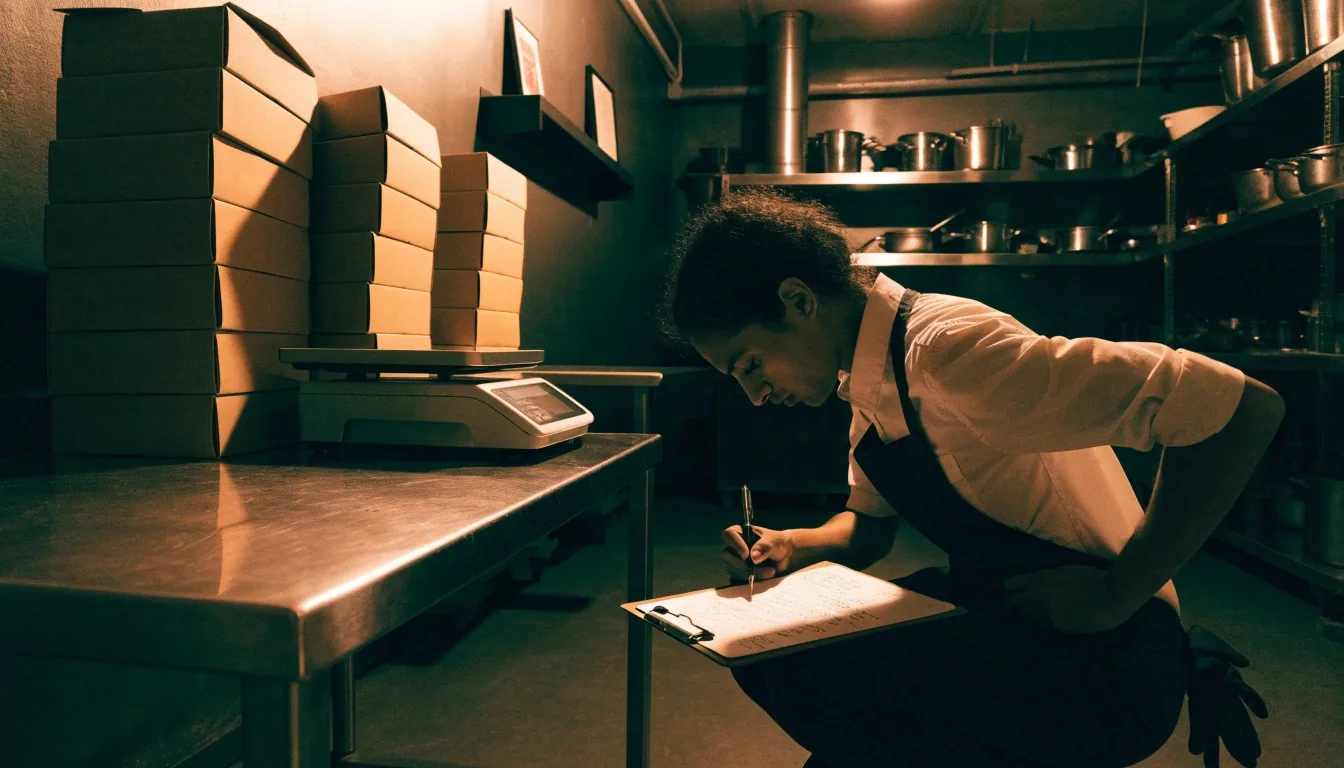 Counts start where the stock actually lives
Par is what a location should hold to cover normal service
NetNugget stores par per item per location, because a high-volume site and a smaller one do not have the same needs. When counts come in, the system compares on-hand against par and highlights what is off. Persistent over-par on an item usually means an ordering habit worth reviewing, and persistent under-par on a high-usage item is a warning that the next busy weekend is exposed.
Par levels are a working target, not a fixed rule. Review them when a menu changes, when a new location opens, or when a seasonal shift changes how fast a product moves. Setting par once and leaving it for a year produces either waste or empty shelves, and neither is what the count is for.
Counts are entered by location, by item, on a schedule that suits the operation
Count on the schedule you already keep
Weekly, twice-weekly, or at close. The schedule follows the operation rather than the other way around.
See the trend, not one snapshot
Count history shows whether an item is drifting up or down over weeks, so a single odd count does not send anyone chasing a ghost.
Feed both the value and the variance
The count drives the inventory value and the variance calculation together, which is why count discipline matters more than the software around it.
Inventory visibility across locations
A group view shows on-hand value by location, category, and item. That is how a head office spots that one location is carrying unusually high stock in a category, or that another is running lean enough to risk running out. Visibility does not fix the problem by itself, but it makes the conversation specific instead of anecdotal.
Filter by category to see where the money is sitting, or by item to see how a single product behaves across the group. When a location runs high, you can ask whether the ordering pattern changed or whether the count is behind. When a location runs lean, the same view tells you which items are closest to a stockout before a busy service.
Par against on-hand, location by location
Scroll the table sideways on a phone; the item name stays pinned to the left so the row never loses its label.
| Item | Par | On hand | Difference |
|---|---|---|---|
| Dry pasta, case | 12 | 15 | +3 over par |
| Chicken breast, case | 9 | 4 | (5 below par) |
| Olive oil, 3 L tin | 6 | 6 | On par |
| Tomato, #10 can | 20 | 23 | +3 over par |
| Downtown site, net | 47 | 48 | +1 net |
The same table exists per location, so a group view and a single site are the same shape of information. A bracketed figure in heavier ink marks where a count sits below par, in the convention an accountant would recognise, rather than as a red alert that fires on every small movement.
 Receiving is where the discrepancy is caught
The purchasing view combines par, on-hand, and recent usage to suggest order quantities
It is a starting point, not an autopilot. Managers review and adjust before sending. The value is that the suggestion is built from current numbers rather than a standing order that has not been revisited in a year, and that the numbers behind it are the same ones the count produced.
Suggested quantities are meant to be argued with. A kitchen manager who knows a promotion is coming can raise the order; one who knows a slow week is ahead can trim it. The system shows the reasoning, and the person who knows the room makes the call.
Receiving against the same record closes the loop
Short shipments, substitutions, and price changes at delivery get recorded as they happen. Without that step, the discrepancy disappears into the invoice and shows up later as unexplained variance. Receiving is the least glamorous part of the workflow and one of the most useful, because it is the moment when the paperwork and the physical delivery either agree or do not.
A substitution noted at the door saves an argument two weeks later. A short shipment recorded on arrival keeps the credit visible instead of buried in a statement. Neither step takes long, and both protect the purchasing reconciliation numbers that follow.
- Short shipments against the ordered quantity
- Substitutions, with the item actually delivered
- Price changes that appear at the door rather than the invoice
- Credits and returns tied to the original order
Keeping costs current when vendors change
Supplier prices rise and fall through the year. Because invoices are the price source, a change reaches the catalog on the pass it arrives, and recipe costs follow.
A supplier may switch from a 40-pound case to a 35-pound one. Remap the vendor line once and the unit cost is derived from the new pack, with no manual recalculation.
When you move an item to a new supplier, you remap the item and the new prices flow in from that vendor's invoices. Nothing needs to be recalculated by hand.
A change in one place updates the cost everywhere it is used, across recipe cards, inventory values, and variance reports. That is the point of keeping invoice capture, mapping, and counts in one system rather than three spreadsheets that disagree with each other by the second week.
What teams ask before switching
How often do item costs actually update?
Costs update when an invoice is captured and its lines are matched to catalog records. In practice that means a price change on a delivery reaches the catalog on the same pass, so recipe costs and inventory values follow rather than trailing a week behind.
Do we have to count every item every week?
No. Counts run on the schedule the operation already keeps, and high-value or fast-moving items can be counted more often than slow ones. What matters is consistency, because the variance calculation depends on the count discipline more than the frequency.
What happens when a supplier sends a different pack size?
You remap the vendor line to the catalog item and the unit cost is derived from the new pack. The mapping is reused on later invoices from that supplier, so the change is handled once rather than every time a delivery arrives.
Can managers see inventory for one location only?
Yes. The location view is the same shape as the group view, filtered to a single site, so a general manager and a head office are reading the same information with different scope.
How does this connect to food cost variance reporting?
The count feeds the inventory value and the variance calculation, and the costs that come from invoices feed the recipe side. When both are current, the gap between theoretical and actual food cost is meaningful rather than a number nobody trusts.
See how the inventory workflow fits your operation
NetNugget is a restaurant back office platform: invoice reconciliation, recipe costing, inventory control, and food cost variance reporting across locations. If you want to see how invoice capture and par-level counts would map to your sites, the next step is a conversation, not a demo video.
450 Serra Mall, Stanford, CA 94305, United States
+1-650-555-0128
Monday–Friday, 9:00 AM – 6:00 PM