

Theoretical cost, from recipes and sales
Menu mix
Portion sizes and plate costs held in one catalog, so every dish carries the price you paid this week.
Actual cost, from invoices and counts
Invoices
Captured line items and period counts feed the same item records the recipes already read from.
Food cost variance, period to date
One back office for invoicing, costing, and inventory
NetNugget is a set of connected modules, not a single tool with a logo on it. Invoice capture feeds item costs. Item costs feed recipes. Recipes and sales feed variance reporting. Counts and par levels feed purchasing. Each module is useful alone, but the platform shares one item and vendor record, so nothing is re-keyed between steps.
Stanford, California · Monday to Friday, 9:00 AM – 6:00 PM
Invoice capture
Invoice capture and what happens after
Invoices arrive as PDFs, photos, or paper. NetNugget extracts the line items, matches them to your catalog, and flags anything that looks off: a price jump, a quantity that doesn't match the order, a duplicate. Captured invoices become the price source for everything downstream, which is why this module sits at the front of the workflow.
That order matters. If the invoice data is wrong, every cost report after it is wrong too, and you find out weeks later when a category number will not close. Reviewing the flagged lines at intake keeps the correction cheap.
Lines needing review before posting
2 of 4
Each flagged line links back to the order it was placed against, so the correction happens with both documents in view.
Shared catalog
The item catalog as a shared spine
Every module reads from the same catalog. A case of flour has one record, one unit of measure, and one set of vendor mappings. When a recipe calls for flour, it points at that record. When a count includes flour, it points at the same record.
This sounds like plumbing, and it is, but it is the reason a recipe cost and an inventory value can be compared without a reconciliation project in between. When a vendor renames a pack size, you update one record instead of chasing the change through a recipe sheet, a count sheet, and an order guide that were never talking to each other.
One record
A single item identity
Name, pack size, unit of measure, and storage class live in one place. Reports group by the same categories you buy and count in.
Vendor mapping
One item, many suppliers
The same item maps to each vendor's own item number and pack. Price history stays comparable even when you split purchasing across two suppliers.
Downstream use
Recipes, counts, and orders
Recipes, counts, and purchase orders all point at the same record, which is what makes an item's cost and its on-hand value line up.

The dry store at close, where counts begin
Recipe costing
Recipe costing and menu engineering
Recipe costing in NetNugget is a working tool, not a static sheet. You build a recipe from catalog items, set portion sizes, and see the plate cost. Change a portion or swap an ingredient and the cost updates with it.
For menu engineering that means you can compare contribution margin across dishes using current prices rather than prices from whenever the sheet was last touched. Vendor price updates flow in through the invoice module, so the comparison reflects what you are paying now.
Items below target margin this week
1 of 4
Bracketed figures mark a plate cost that moved against you. The number itself comes from the invoice, not from a spreadsheet someone remembered to update.
Counts
Par-level inventory and counts
Par levels define what each location should hold. Counts record what it actually holds. NetNugget stores both per location, so a district manager can see that one store is running heavy on cheese while another is consistently short.
Count history builds a picture of usage patterns that a single count cannot show. The gap between par and on-hand is often the first place a food cost problem becomes visible, and it is visible before the period closes.
| Item | Par | On hand | Gap | Store |
|---|---|---|---|---|
| Mozzarella, 5 lb | 12 | 19 | [+7] | Store 2 |
| Olive oil, 3 L | 8 | 4 | [−4] | Store 5 |
| Roma tomatoes, 25 lb | 6 | 6 | 0 | Store 2 |
| Chicken breast, 40 lb | 10 | 7 | [−3] | Store 5 |
| Case flour, 50 lb | 9 | 8 | [−1] | Store 2 |
| Net across counted items | [−1] net variance | |||
A count is a moment; count history is the pattern. When one store's cheese runs heavy two weeks running, the ordering suggestion for that store adjusts before it becomes waste.
Purchasing
Purchasing and receiving
The purchasing view uses par, on-hand, and recent usage to suggest what to order. Orders can be sent to vendors and later received against the same record, which closes the loop between what you asked for and what arrived.
Suggested order
Built from par and usage
The suggestion starts from what each store should hold, subtracts what it has, and looks at the last few weeks of usage so a slow week does not over-order.
Send and track
One order, one record
The order keeps its own record from the moment it is sent, so receiving later compares against the quantity you actually asked for.
Receiving
Short and substituted
Short shipments and substitutions get flagged at receiving rather than discovered at month end when the numbers do not add up.
Reporting across locations
Reports roll up by location, category, or period. A multi-location group can see a consolidated food cost number and then drill into the locations or items driving it. The reports are built to be handed to a finance team: period totals, category breakdowns, and the invoice and count detail behind each figure.
That last part is what keeps a food cost conversation short. When a category is up, the drill-down opens the invoices and counts that moved it, so the discussion is about the cause rather than about whether the number is right.
Access
Access and roles
Different people need different views. A line manager counting inventory does not need invoice approval rights. A finance lead does not need to edit recipes.
The role structure keeps the workflow clean so the data stays trustworthy and the audit trail stays intact. Whoever touches a figure leaves a trace, and the person who approves a price is not the person who quietly changed the recipe.
-
Store scope
Line manager
Counts inventory, records waste, and reviews the par gap for their own store.
-
Vendor scope
Purchasing lead
Sends orders, receives deliveries, and resolves short shipments against the order record.
-
Group scope
Finance lead
Approves invoices, reads period totals, and hands the variance detail to the accounting team.
-
Account scope
Administrator
Maintains the catalog, vendor mappings, and who holds which role across locations.
A typical week
How the modules connect in practice
Invoices are captured as they arrive, which updates item prices. Recipes reflect those prices. A count at the end of the week produces an on-hand value. The variance report compares theoretical usage from sales and recipes against actual usage from purchases and counts. Purchasing suggestions for next week come from the same data.
-
Invoices arrive
Line items post to the catalog and update current item prices, with anything unusual flagged for review before it lands.
-
Recipes update
Plate costs move with the new prices, so menu margin comparisons use this week's cost instead of a sheet from last quarter.
-
Counts close the week
Each store's count produces an on-hand value per item and a par gap the manager can act on before the next delivery.
-
Variance is read
Theoretical usage from sales and recipes meets actual usage from purchases and counts, and the difference is bracketed by item and category.
-
Next order goes out
Par, on-hand, and recent usage produce the purchasing suggestion. Nothing is re-entered between steps.
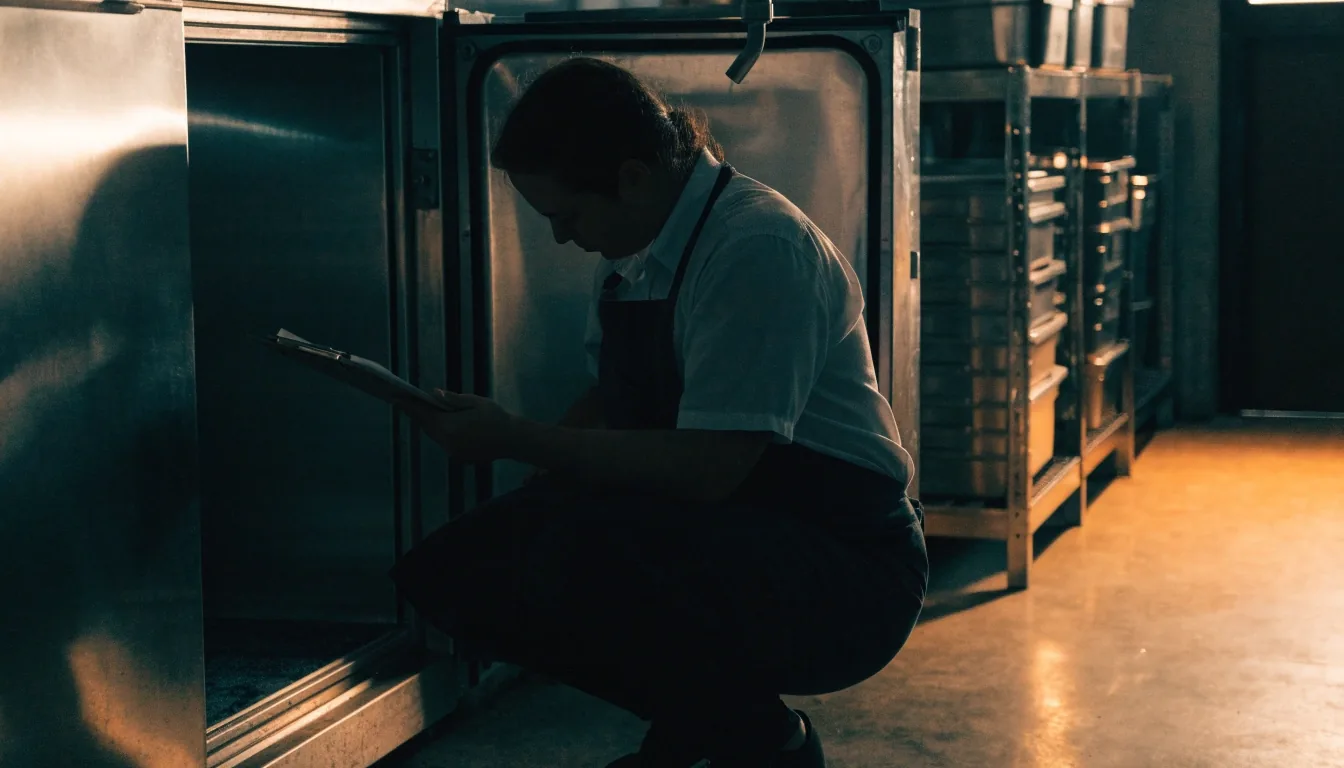
The cooler door at the end of service
See the workflow on your own numbers
The platform is easier to judge against one of your own weeks than against a list of features. Bring a recent invoice set, a menu, and a count sheet, and we will walk the same path your team walks: capture, cost, count, order, report.
If you would rather read first, the resource guides cover the practical side of restaurant food cost management: how to structure a count, what to check on an invoice, and how to read a variance report without an accounting background.
Talk to the NetNugget team
- [email protected]
- Phone
- +1-650-555-0128
- Office
- 450 Serra Mall, Stanford, CA 94305, United States
- Hours
- Monday–Friday, 9:00 AM – 6:00 PM
Also worth reading