

NetNugget resource library
Guides for restaurant invoice, costing, and inventory work
These resources are written for the people who do the work: general managers counting inventory on a Sunday, bookkeepers reconciling invoices, and operators trying to explain a food cost number to a partner. Every guide below covers the practical mechanics of restaurant back office work in U.S. operations.
Written guides in this library
Plus reference material on
All guides, one place
8
Start anywhere. Each guide stands on its own, and the weekly checklist at the end ties the four core routines into one Monday morning pass.
Topic groups in this resource library
Money in
Invoices and vendor cost
Matching what a vendor billed against what actually arrived, then keeping the item cost your recipes read from in step with the latest price on the invoice.
Invoice reconciliation guideCost on the plate
Recipes and menu pricing
Building a plate cost from linked ingredients, yields and portion sizes, and reviewing menu prices when the proteins you buy most move up or down.
Recipe costing guideWhat you hold
Counts, par levels and variance
Running a count that produces usable numbers, setting pars per location, and breaking a food cost percentage down into the handful of items that moved it.
Par-level counting guideGuide one
Invoice reconciliation guide
A walkthrough of how to match vendor invoices against orders and item costs, what to check for, and how to handle price changes, short shipments, and credits. It is written for operators moving off a paper-and-spreadsheet process, with attention to the invoice formats common among U.S. broadline and specialty distributors.
Work the match in one order: confirm the pack size on the invoice matches the pack you ordered, confirm the unit cost, confirm the received quantity, then post any credit line the same week so the ledger you compare against next month is clean. Most disputes come from a pack change nobody flagged, not from a wrong price.
See food cost management| Invoice line | Ordered | Invoiced | Difference |
|---|---|---|---|
| Chicken breast, 40 lb case | $96.40 | $101.20 | [$4.80] |
| Canola oil, 35 lb | $58.00 | $58.00 | $0.00 |
| Tomatoes, 25 lb | $32.50 | $29.75 | [$2.75] |
| Heavy cream, 12 qt | $44.10 | $44.10 | $0.00 |
| Flour, 50 lb | $27.20 | $27.20 | $0.00 |
| Price difference to clear | $7.55 | ||
Brackets mark a line where the invoice and the order disagree. On this example the chicken went up and the tomatoes came in short, which is why the credit column matters as much as the price column.
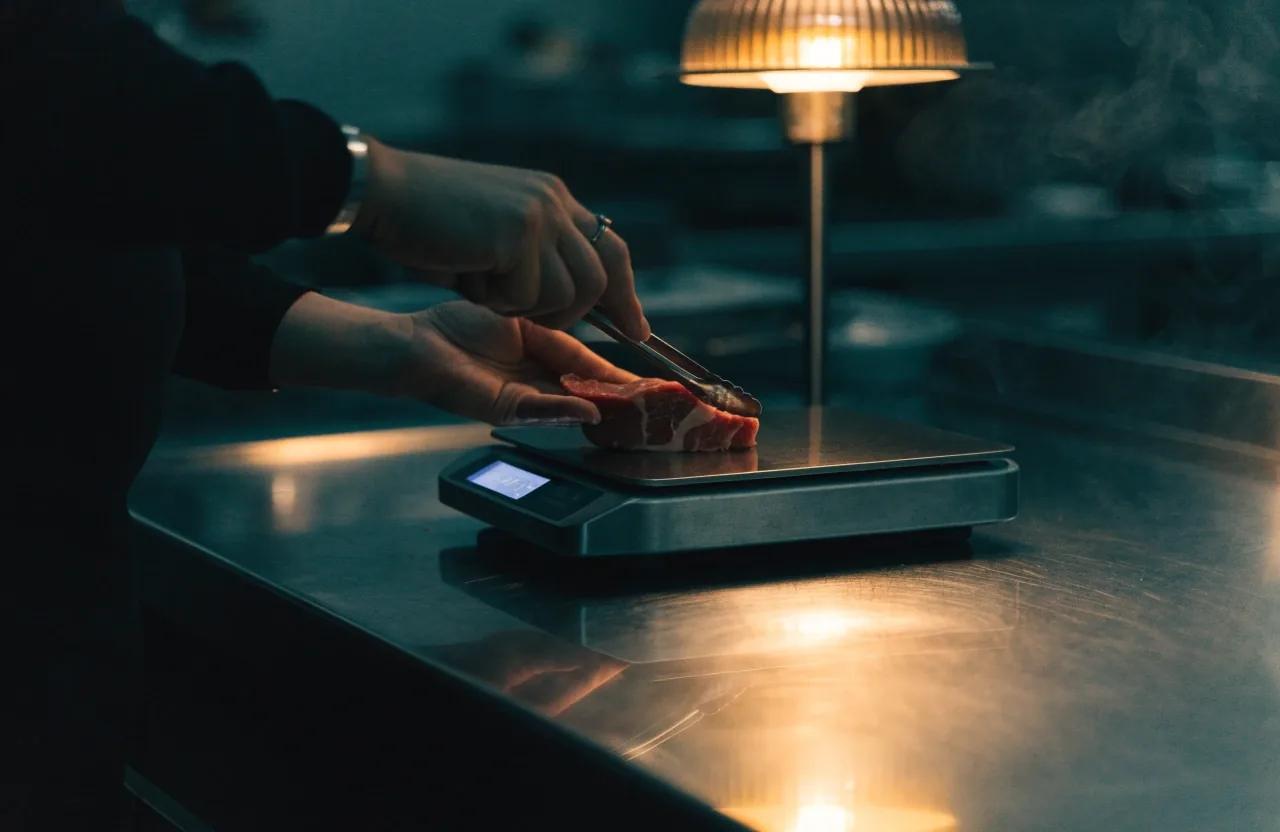
Weighed, counted, written down
Guide two
Recipe costing guide
How to build a recipe cost that stays accurate: linking ingredients to vendor items, setting yields and portion sizes, and keeping plate costs current as supplier prices move.
The mistakes are quiet ones. A case price from last quarter still divides cleanly into a portion cost, so the sheet looks right while it is wrong. A yield that ignores trim loss makes a protein look cheaper than it is. A portion size typed in ounces while the vendor sells by the pound will be off by a factor you will not notice until a margin review. Set the ingredient link first, then the yield, then the portion, and recheck the link whenever a pack size changes.
Link before you calculate
A recipe cost is only as good as the vendor item behind each ingredient.
Review when proteins move
Recost the plates that carry the items you buy most before you rewrite the menu.

Guide three
Par-level counting guide
How to set par levels per location, run a count that produces useful data, and use the results to drive ordering. It covers which items are worth counting weekly versus monthly, and how count history reveals usage patterns that a single count cannot.
The rows below show the shape of a working count: a par you set, an on-hand figure you found, and the gap that turns into an order or into a question about last week.
| Counted item | Count cycle | Par | On hand | Gap |
|---|---|---|---|---|
| Ribeye, whole | Weekly | 6 | 4 | [2] |
| Russet potatoes, 50 lb | Weekly | 10 | 12 | +2 |
| Olive oil, 3 L | Monthly | 4 | 5 | +1 |
| House red wine, case | Weekly | 5 | 3 | [2] |
| To-go containers, sleeve | Monthly | 12 | 12 | 0 |
| Items under par this count | 2 | |||
Count history is where the useful pattern shows up. One count tells you what to order; four counts tell you that a case of wine keeps disappearing between deliveries, which is a different conversation than a reorder.
Guide four
Food cost variance guide
The difference between actual and theoretical food cost, how to calculate both, and how to break a variance number down into something actionable. It is written for operators who have a food cost percentage but no clear explanation for it.
Theoretical
What the recipes say the food should have cost, given the portions sold.
Actual
What the invoices and the counts say it did cost over the same period.
The gap
Where the two disagree, ranked by dollars so you fix the biggest line first.
Weekly margin checklist
Four things, once a week, in about the time it takes to open the store. This is the routine the guides above are meant to feed.
Count the high-cost items only: the proteins, the oils, the items where a case is a real number. Skip the pantry for now.
Reconcile last week's invoices against orders and post any credits before they age out of the vendor's window.
Check invoice price changes against the recipe costs that read from those items. Recost only what moved.
Sort the variance list by dollars and pick the top three lines. Those are the only ones worth a conversation this week.
A full audit has its place at period close. This is the version that survives a busy week, which is the version that actually holds food cost in place. If you want the same routine running across several locations without a spreadsheet per store, the platform pages below show how NetNugget handles it.
Choosing a back-office approach
An honest look at the four routes most U.S. restaurant groups weigh, and where each tends to strain as locations are added.
| Approach | Handles well | Strains when |
|---|---|---|
| Spreadsheets | One store, one person, a cost sheet that only that person updates. | A second location, a second editor, or a recipe change that has to reach every plate cost. |
| POS-bundled inventory tools | Sales-linked depletion and a quick look at what sold against what was used. | Vendor invoice matching, pack-size changes, and anything that lives upstream of the till. |
| Accounting software adapted for restaurants | Payables, vendor records, and the books your accountant already wants. | Recipe-level costing and the par counts that sit between the invoice and the plate. |
| Dedicated back-office platforms | Invoice reconciliation, recipe costing, par counts, and variance reporting in one place across locations. | Setup discipline: an item catalog and count cycle have to be agreed before the numbers are useful. |
None of these is wrong on day one. The question is which one still works when the fourth location opens and the same invoice arrives with a different pack size. If you would rather talk it through than read it through, the team answers setup questions by phone and email on weekdays.
Still deciding where to start?
If your food cost percentage is moving and you cannot say why, start with the variance guide. If invoices are the part that eats your week, start with reconciliation. If you are setting up a system for the first time, the inventory and purchasing pages cover the catalog decisions that make everything downstream cleaner.
Reach the team
- 450 Serra Mall, Stanford, CA 94305, United States
- +1-650-555-0128
- [email protected]
- Monday–Friday, 9:00 AM – 6:00 PM
Guides are free to read. Setup questions usually get an answer the same working day.